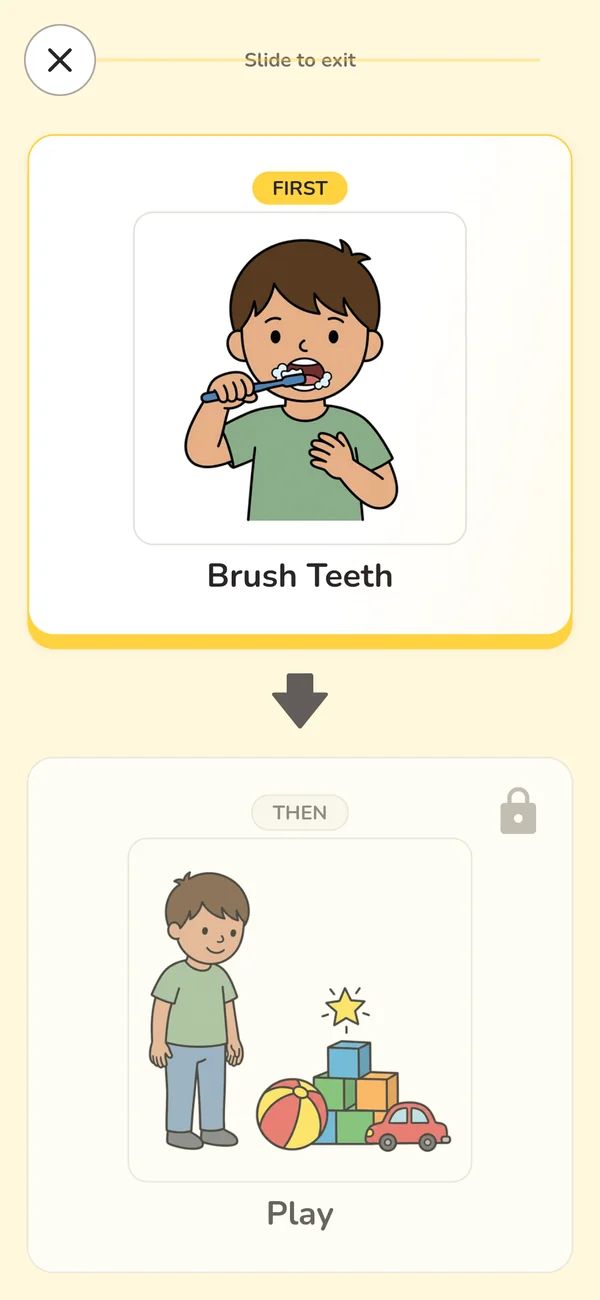
First-Then Board
Show two activities in sequence to help your child understand what comes first and what comes next.
Create Visual Schedules, First-Then Boards, and Choice Boards to help your child follow daily routines, navigate transitions, and express their choices.
Three board types
From transitions and morning routines to everyday choices, visual supports help children understand what's next at home, in classrooms, and in therapy.
Show two activities in sequence to help your child understand what comes first and what comes next.
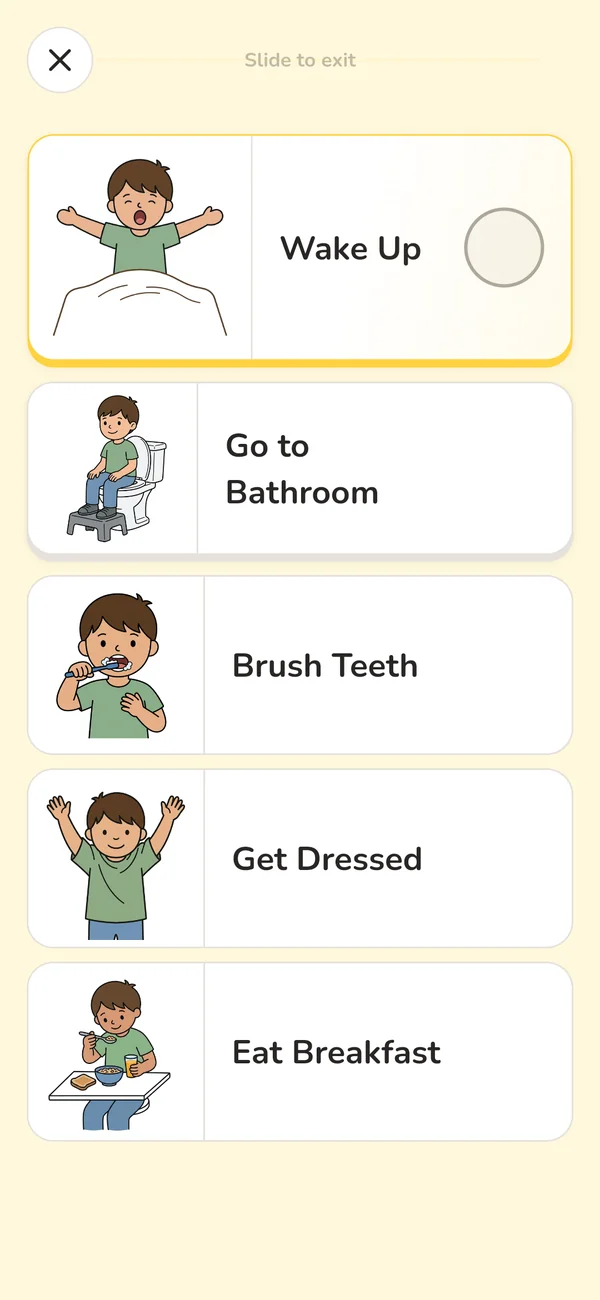
Break routines into simple steps, letting your child tap each activity as they go, with a celebration and an optional reward at the end.
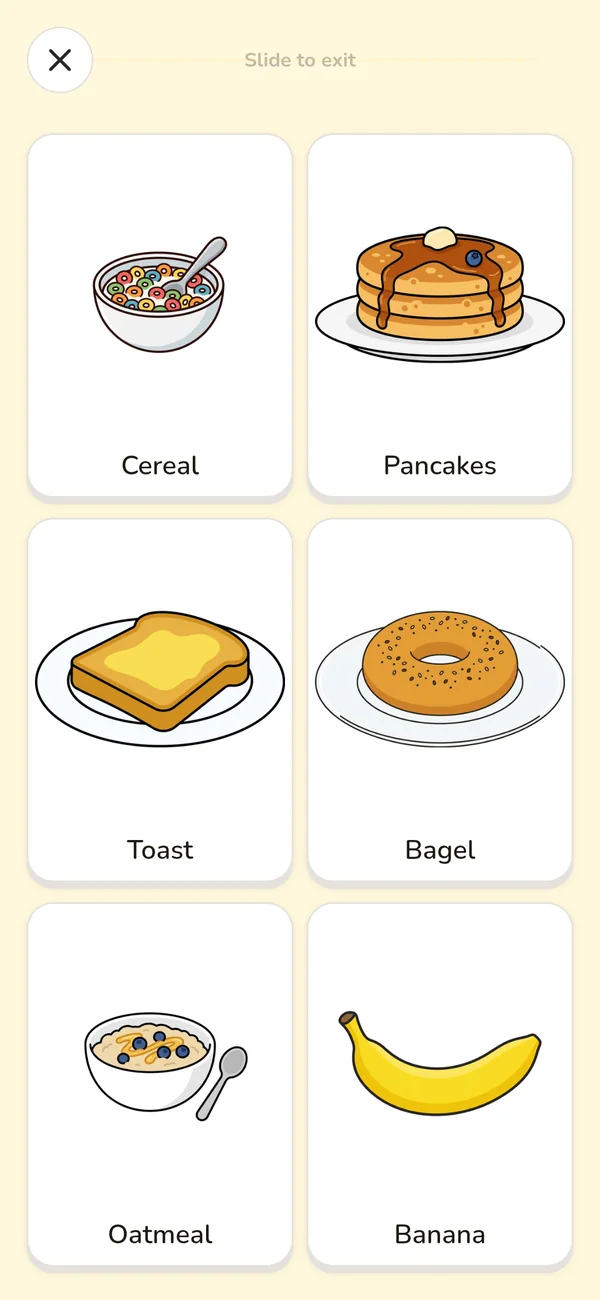
Present up to nine everyday choices in a simple grid so children can point to or tap what they want.
How it works
No laminator or Velcro needed.
Choose a First-Then Board for a quick transition, a Visual Schedule for a routine, or a Choice Board for everyday choices.
Choose from 500+ Visual Cards covering everyday activities and routines, or add your own photos.
Your child can follow along, tap activities as they go, and enjoy a celebration at the end.
500+ Visual Cards
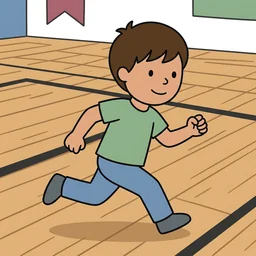
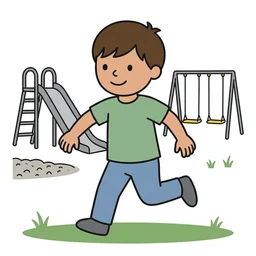
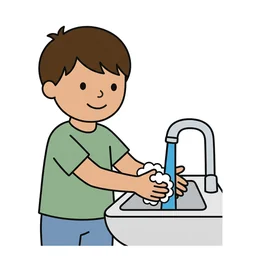
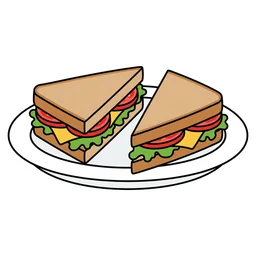
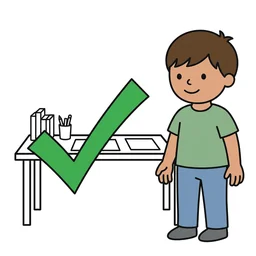
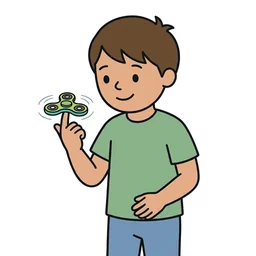
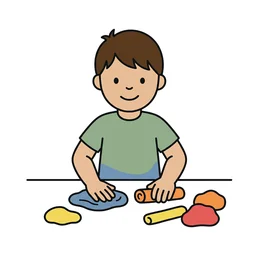
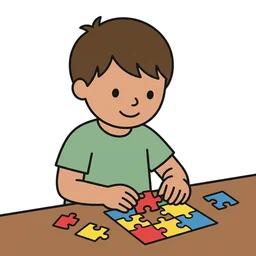
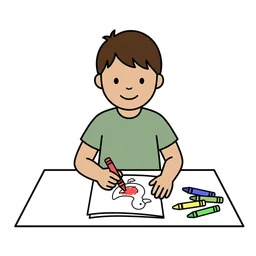
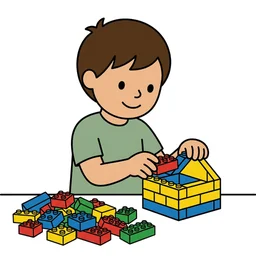
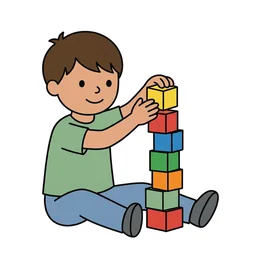
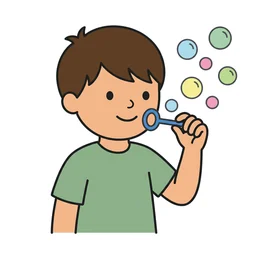
Find the cards you need for everyday moments, from daily routines and activities to transitions and sensory breaks. You can also add your own photos.








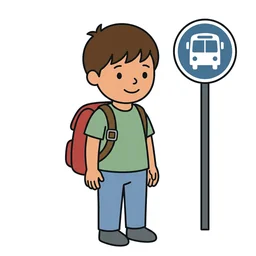

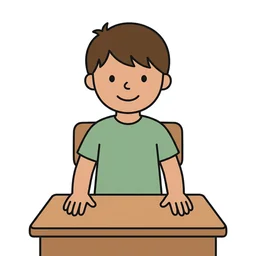


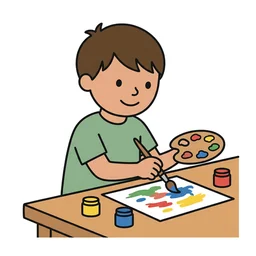
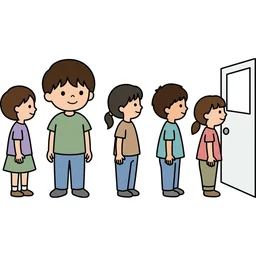













































My Images
Some children recognize a photo of their own teddy, playground, or grandma's front door more easily than a drawing.
Take a photo or choose one from your gallery, give it a name, and use it on any board. Your photos stay on your device.
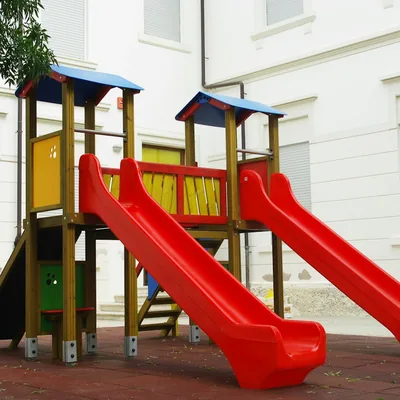 Our Playground
 Grandma's House
New Image
Add a photo and name.

Spaces
Give each child or setting a separate Space for their boards, activities, and photos. Add a name, emoji, and colour, then switch between Spaces from the Home screen.
Who it's for
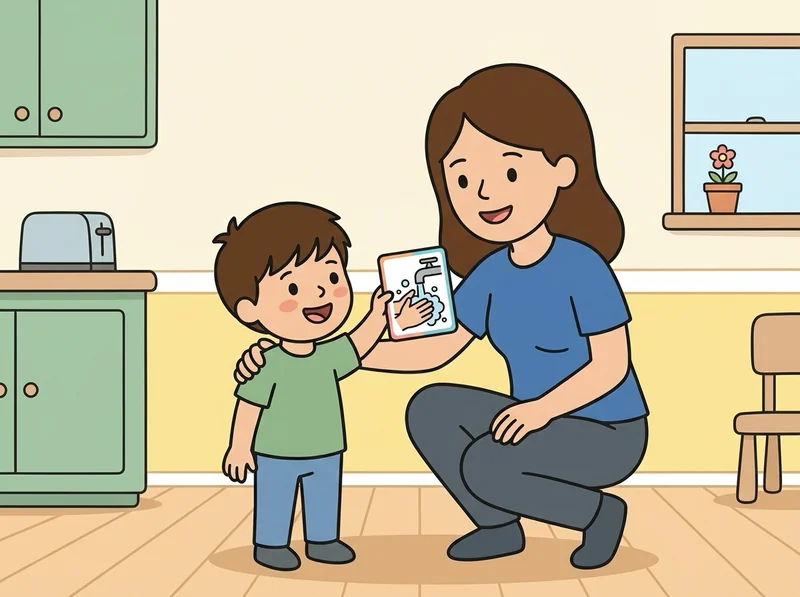
Create visual supports in minutes on your device, then use them at home or on the go, even offline.
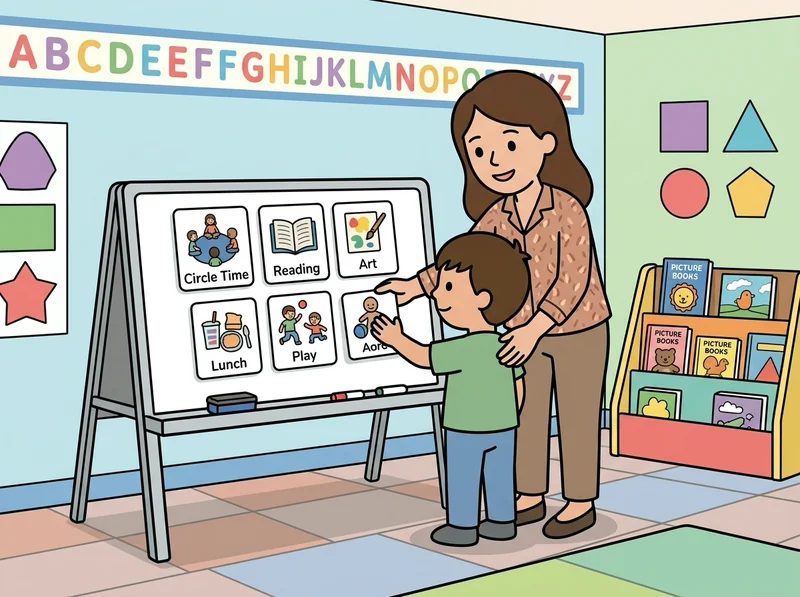
Use Visual Steps on classroom devices without subscriptions or student accounts. Organize boards by learner using separate Spaces.
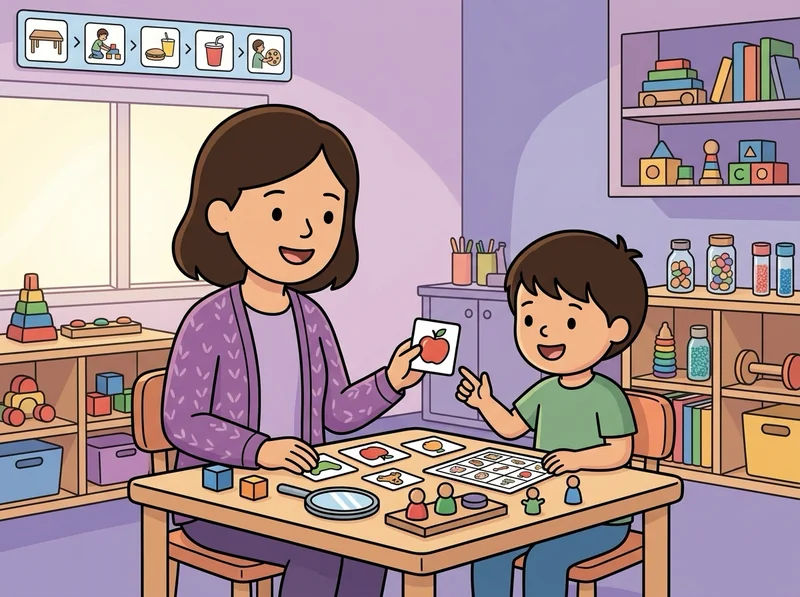
Use visual supports during sessions and help families continue using them at home, with no subscriptions or ongoing costs.
Our Promise
Made with care for your child's comfort and your family's trust, with visual supports within reach for every family.
No subscriptions. No ads. No paywalls. No in-app purchases. Every feature is free for families and classrooms.
No accounts. We don't collect or track your personal information. Your boards, activities, and photos stay on your device.
Create and use your visual supports anywhere, without Wi-Fi or an internet connection.
Adjust sounds, vibrations, and celebrations, or reduce animations to suit your child's needs.

Our story
Visual Steps started as something I made for myself. I was looking for a visual supports app and couldn't find one that felt right, so I built my own.
Once it was working, I wanted to share it with everyone, and putting a price on it never felt right. Keeping it free, with everything stored on your device, means any family, classroom, or therapist can use it, and hopefully more parents and children can have calmer, more predictable days.
— Raj, creator of Visual Steps
FAQ
Visual Steps is a free app for iPhone, iPad, and Android that helps you create Visual Schedules, First-Then Boards, and Choice Boards. It helps children who benefit from visual supports understand what comes next, make choices, and follow everyday routines.
Visual Steps is designed for:
Yes! Visual Steps is completely free to download and use. There are no subscriptions, no ads, no paywalls, and no in-app purchases. Every feature is included.
Visual Steps is private by design. No account is required. We don't collect personal information or usage data, and we use no analytics, no crash reporting, and no advertising or marketing tracking. Your boards, activities, and photos stay on your device and are never uploaded to our servers. Read our Privacy Policy.
Visual Steps includes three types of visual supports:
Yes! Visual Steps includes over 500 built-in Visual Cards. You can also use My Images to take photos with your camera or add photos from your gallery. This lets you include familiar items, favourite activities, and things from your child's everyday life.
Not if you've created a backup. You can use Backup & Restore in Settings to save your boards, Spaces, and photos to a backup file. Save the file to a location of your choice, such as iCloud or Google Drive, or transfer it to another device. You can then restore your content on that device.
When a board is open, Visual Steps displays a simplified screen focused on the activities. To leave the board, you need to use the Slide to Exit gesture. This helps prevent accidental exits when children tap the screen. It isn't a device lock, so use your device's parental controls if you need to restrict access to other apps.
Visual Steps works on iPhone, iPad, and Android phones and tablets. Once installed, you can create and use your visual supports without an internet connection.
100% Free. No subscriptions. No ads. No accounts.